
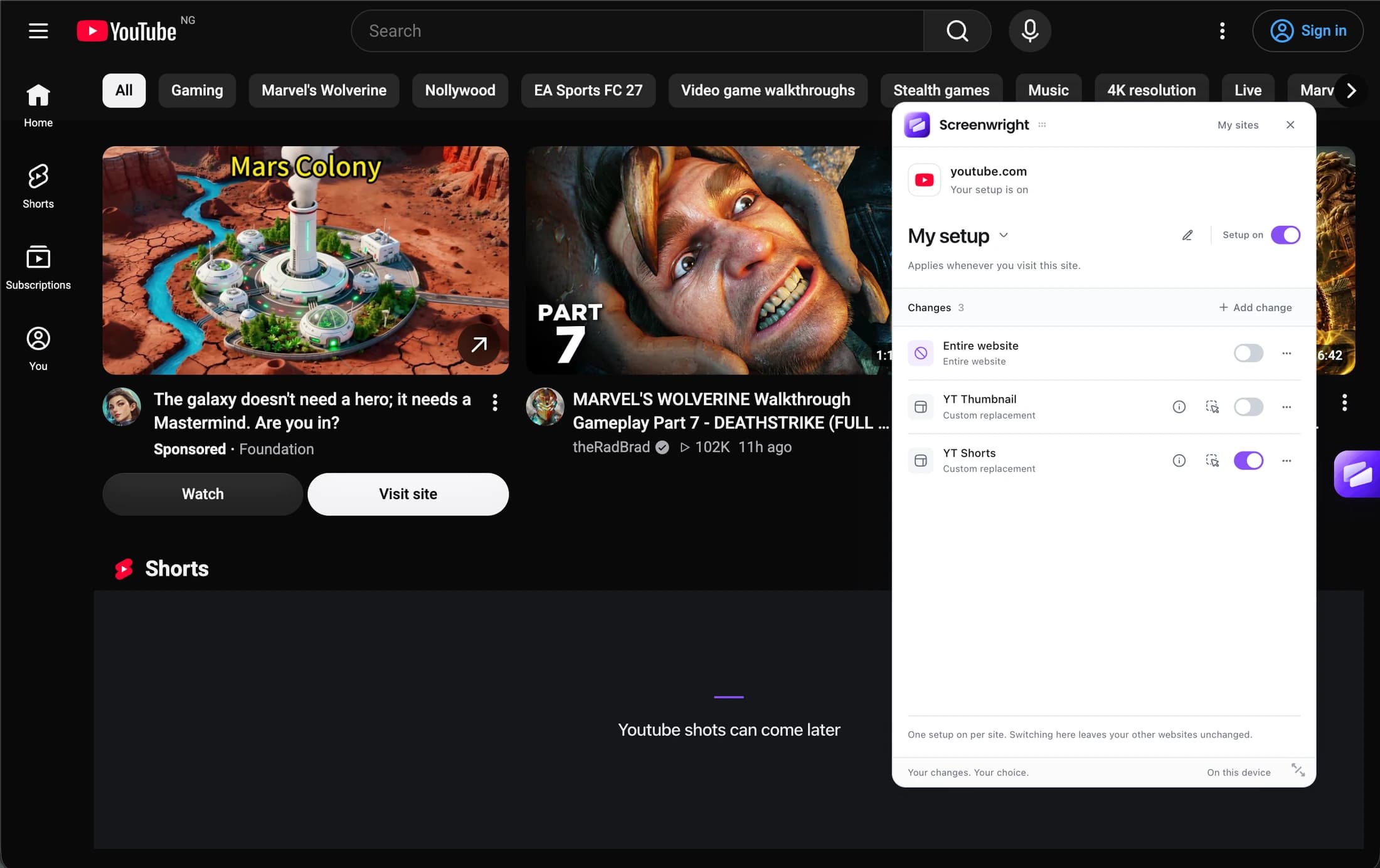
YOUTUBE
The tutorial.
Without the detour.
Keep the video and search. Select the recommendations or Shorts section you want to hide.
Watch what you came to watch.
A more personal browser
Hide a sidebar. Replace a feed. Keep the useful parts.
Screenwright lets you choose what stays on your screen.
Chrome desktop · In preview · No account needed
KEEP THE REASON YOU OPENED THE TAB
A whole-site blocker makes you choose all or nothing.
Your browser doesn’t have to work that way.
YOUTUBE
Keep the video and search. Select the recommendations or Shorts section you want to hide.
Watch what you came to watch.
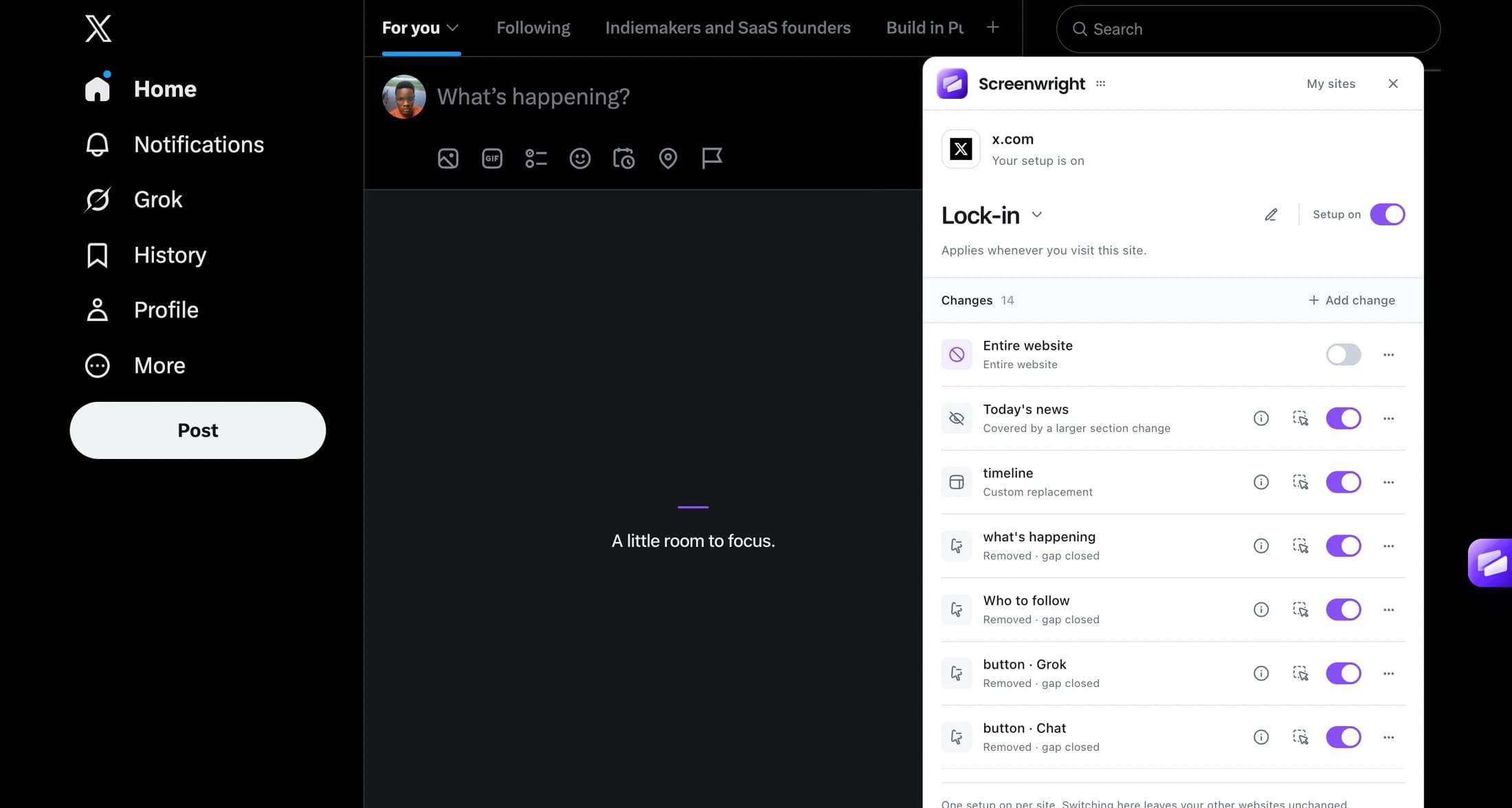
Keep messages, jobs, and profiles. Remove the feed when it isn’t part of your working day.
Stay connected, on your terms.
Give the article some room. Pick the banner, sidebar, or repeated section that gets in the way.
No custom CSS required.
These are examples, not preinstalled presets. You choose the sections on each website.
YOU DON’T NEED TO WRITE CODE
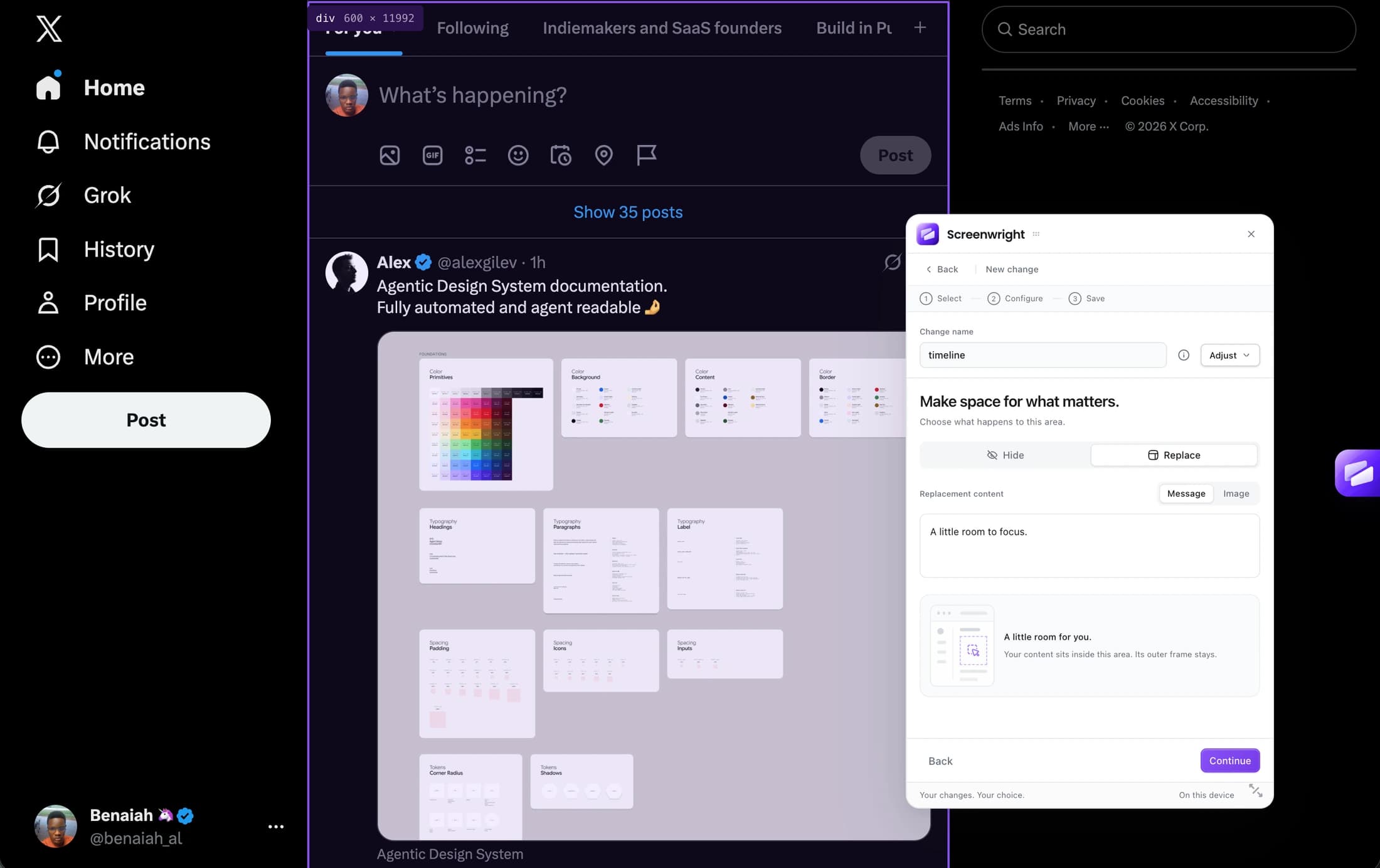
Select an area right on the website. Preview your change. Save it when it looks right.
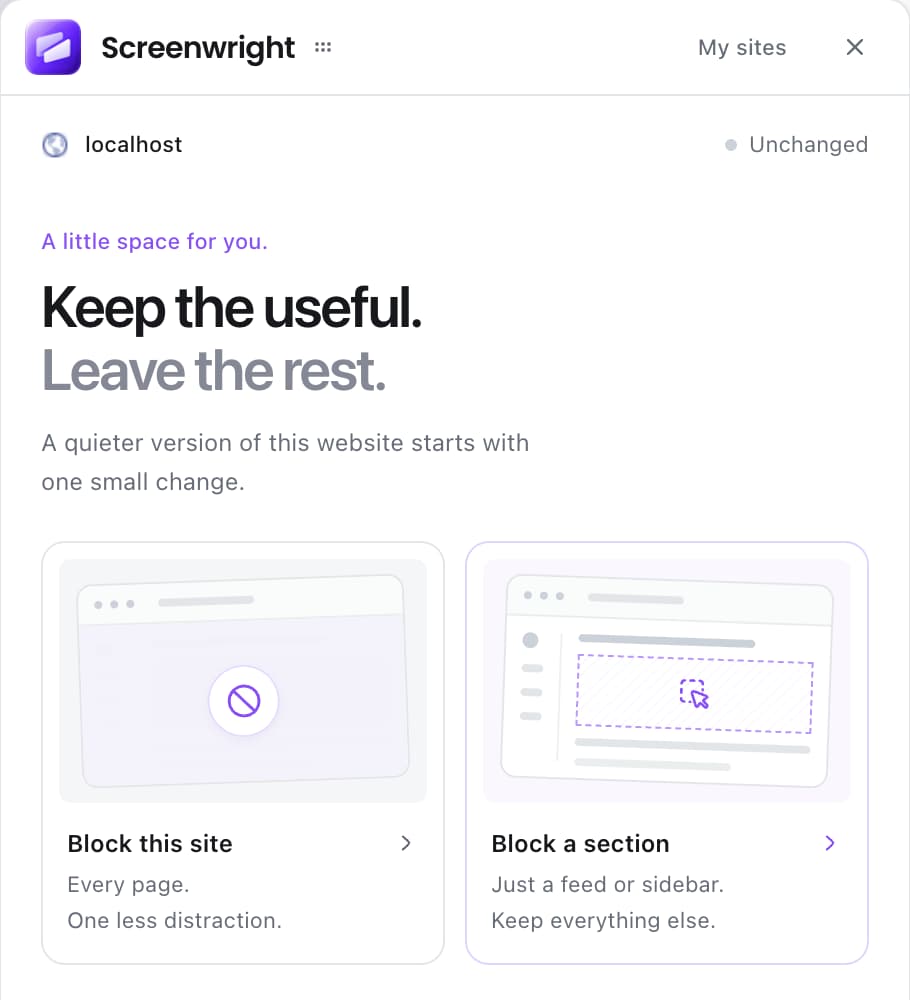
Start from the extension’s two simple choices.
Hide keeps the space. Remove closes the gap. Replace puts your content in its place.
Keep a separate set of changes for each website.
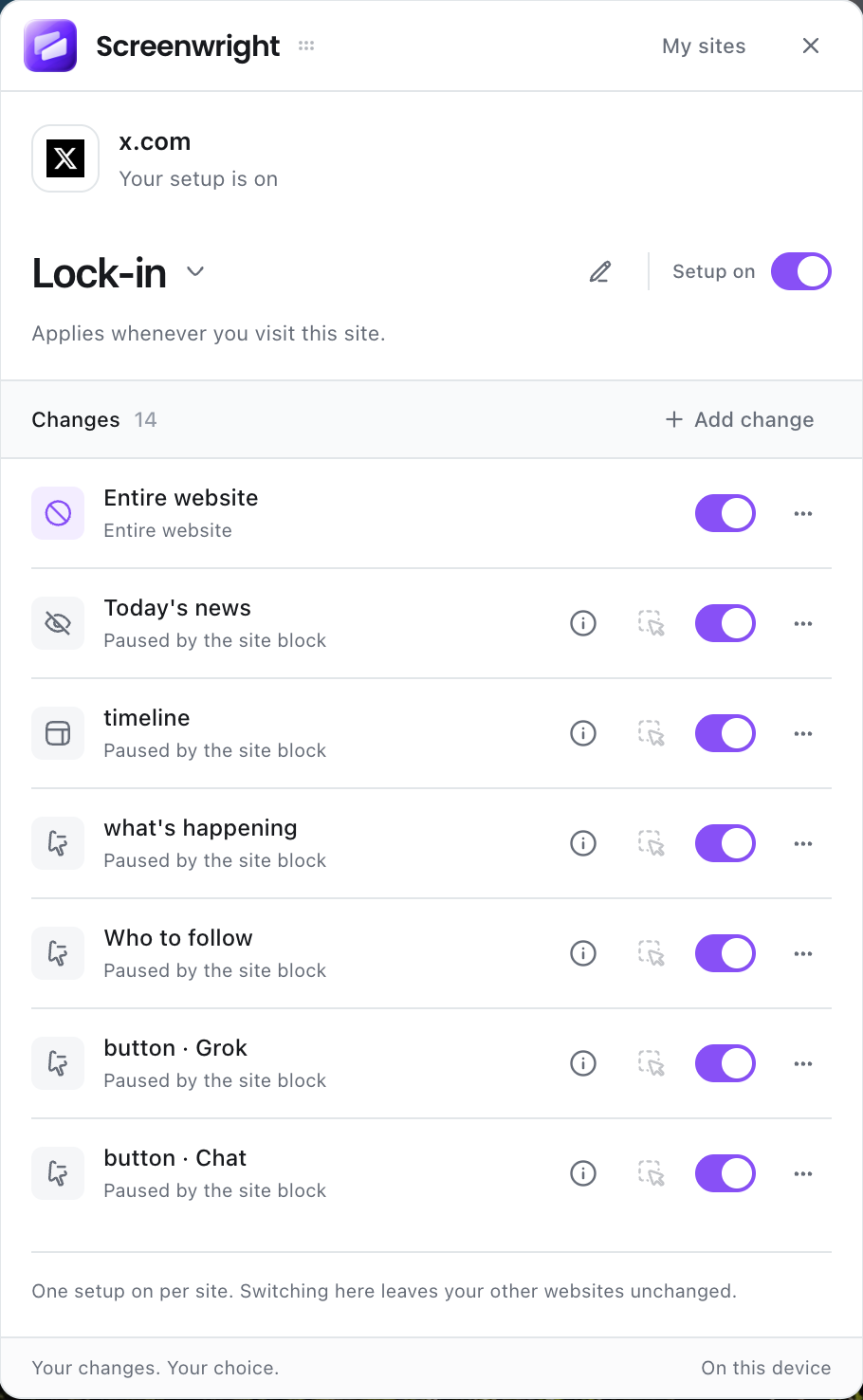
Lock-in on X. Study on YouTube.Switch one site’s setup without changing the others.
Pause it. Don’t lose it.Turn off a change or setup and restore the original view.
MORE THAN A BLOCKED PAGE
When a whole website can wait, give it a different screen. Your words. A favourite background. A scratchpad, timer, or a moment to breathe.
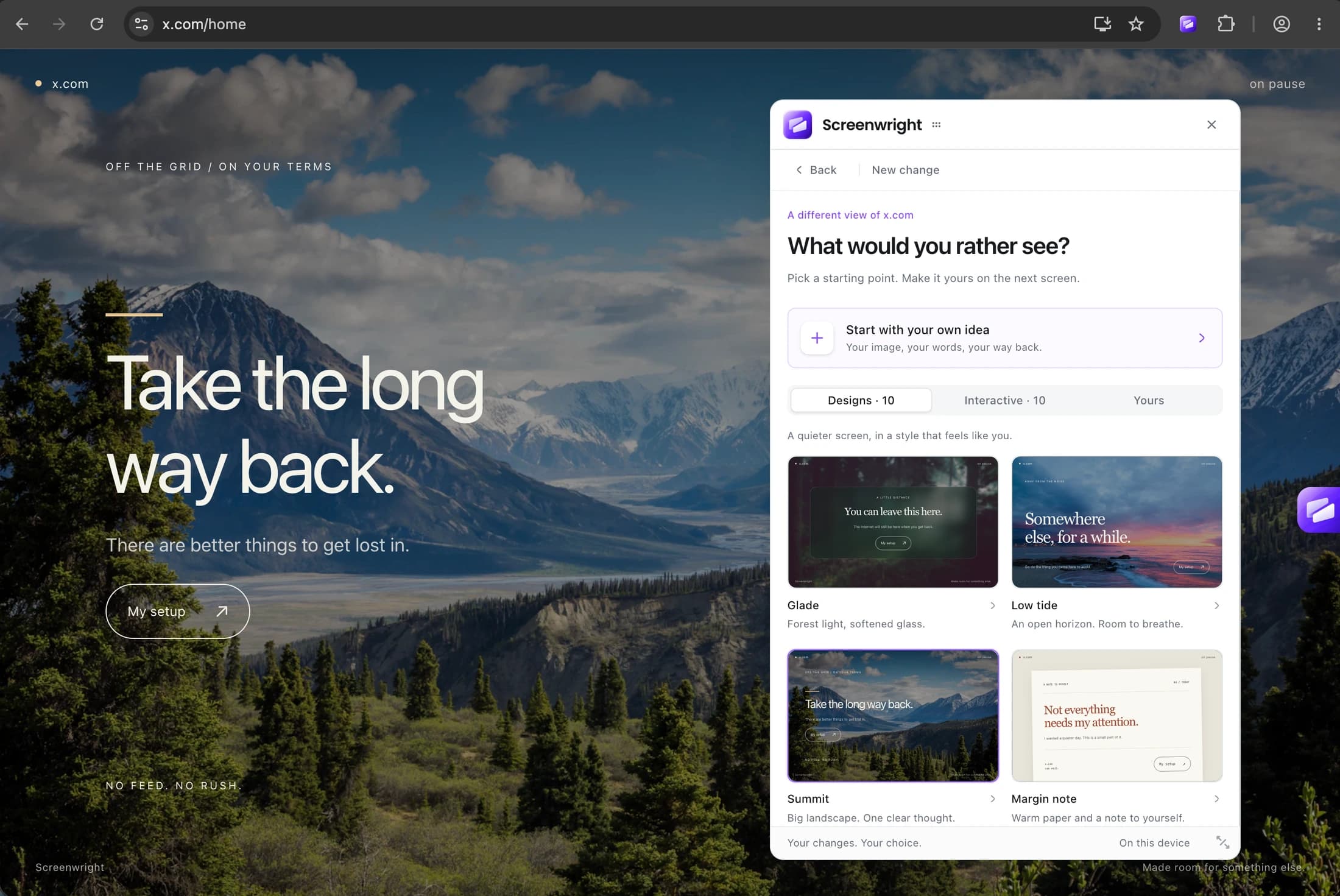
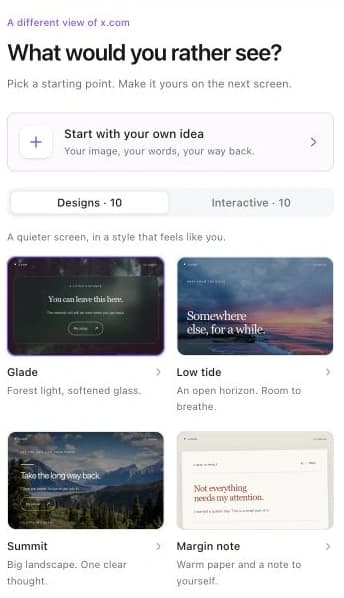
STATIC OR INTERACTIVE
Choose a quiet screen, a timer, or a place to write. Then tune the words, image, and controls until it feels like yours.
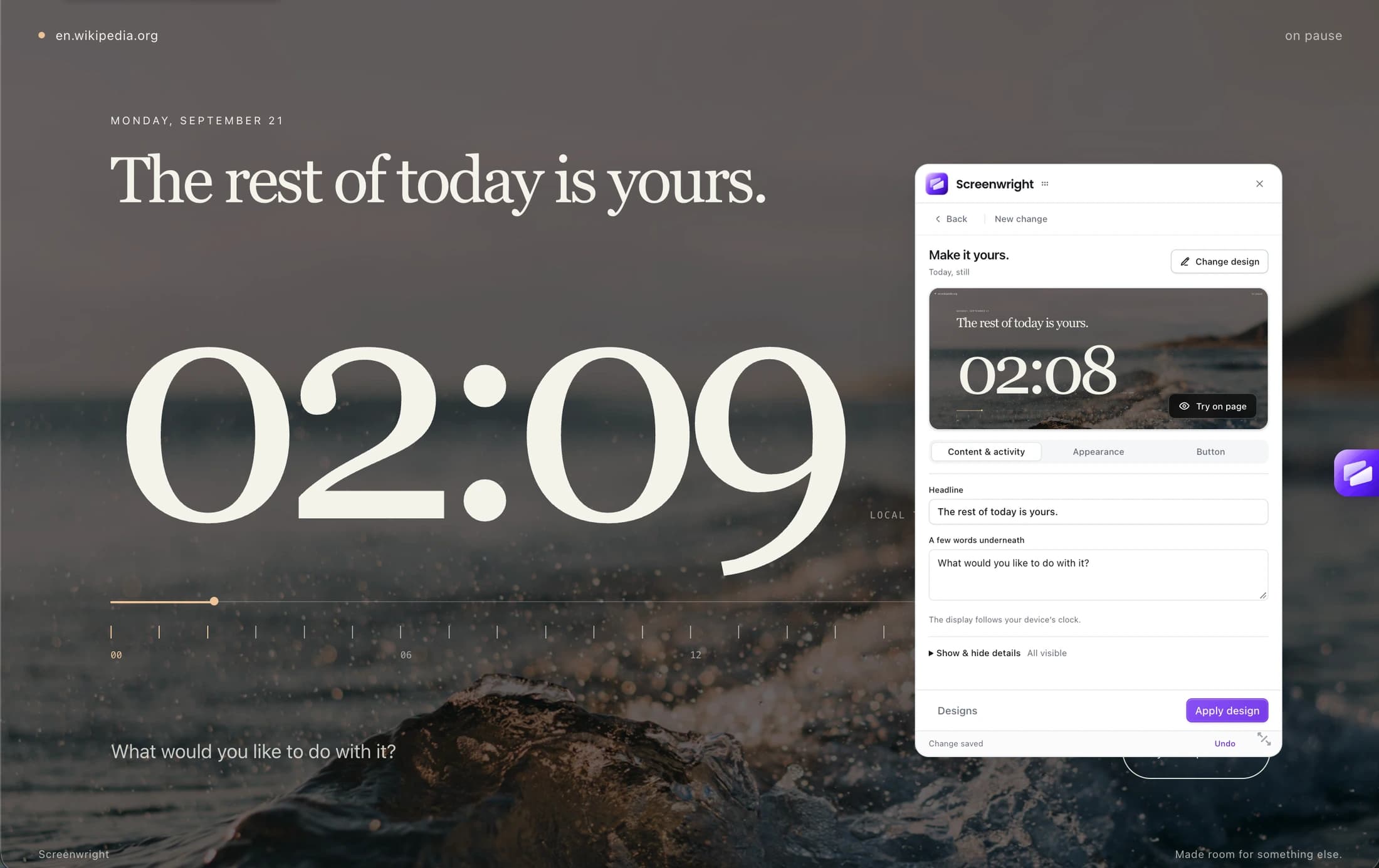
Whole-site screens pause your section edits; they don’t delete them. They cover the page, but background audio and network activity can continue.
A FEW PRACTICAL DETAILS
What changes, where it’s saved,
and how to get started.
Select a section and hide it while keeping its space, remove it to close the gap, or replace it with your own text or image. You can also cover an entire website with a design you customize. Screenwright changes what you see in your browser; it doesn’t edit the website for anyone else.
Yes. Changes are saved in a setup for that website. Section changes return on the matching page, and a site block applies across the website. If a website redesign means a section can no longer be found, you can select it again.
No. It covers the page and prevents interaction with it. Audio, video, scripts, and network requests may continue underneath. Screenwright is a way to change your view, not a network filter or a security tool.
Any time. Switch off an individual change or turn off the active setup to restore the original view. Your saved edits stay available for later.
In local extension storage on your device. This version doesn’t sync setups between browsers or devices, and you don’t need an account to use the extension.
The Chrome Web Store listing isn’t live yet, so Get Screenwright currently opens the store homepage. If you have the source code, the installation guide explains how to build and load the preview locally. Protected browser pages and some embedded content cannot be edited.